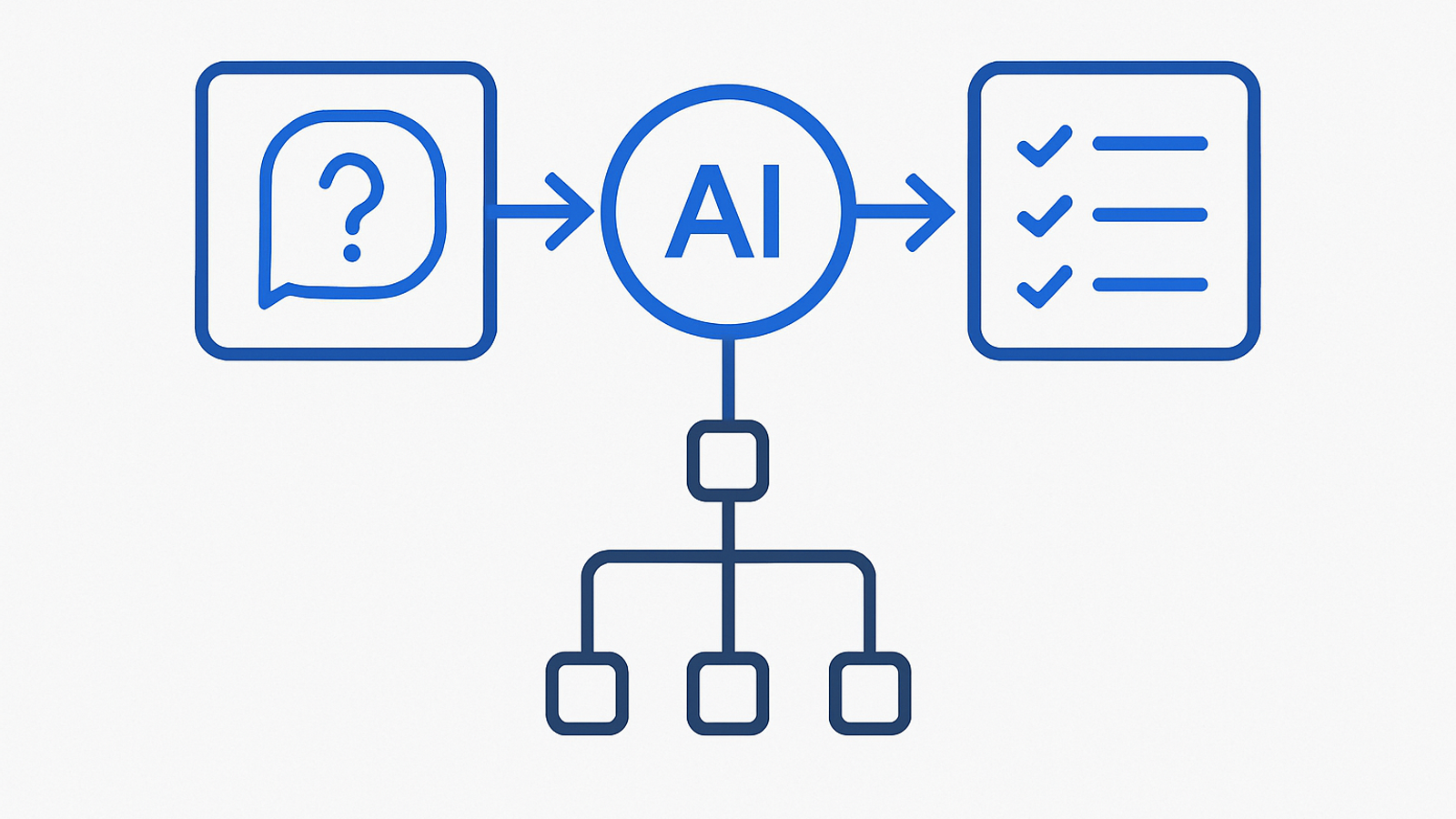
In November, we helped a 120‑person UK services SME add an “Ask us” AI answers widget to their website and internal knowledge base. In 21 days the widget was handling 58% of routine questions end‑to‑end and deflecting roughly 22% of inbound support emails. This post is a plain‑English walkthrough you can reuse: the steps we took, the decisions we made, the costs we tracked and the risks we controlled.
It’s tool‑agnostic and designed for non‑technical leaders. Where relevant, we reference trusted UK guidance so your board, DPO and IT lead can sign off confidently.
The 21‑day plan at a glance
Week 1 — Fit for purpose
- Define scope: “pre‑sales FAQs and account support” or “HR policy answers for staff”. Keep it narrow.
- Collect the source material: website pages, help centre articles, PDFs, policies. Avoid out‑of‑date drafts.
- Prioritise the “top 100” questions from recent tickets and call logs.
- Decide guardrails: what the assistant can and cannot answer; when to hand off to a human.
- Baseline KPIs and a simple review process (see KPIs section).
Week 2 — Build and test
- Set up retrieval so the assistant only answers from your content (no free‑wheeling).
- Write short, structured “answer templates” for pricing, service hours, and regulated topics.
- Run daily evaluations against 50–100 real questions; fix gaps by improving content, not prompts first.
- Wire up the handoff path (email or chat) and a feedback button.
Week 3 — Pilot, measure, release
- Pilot on 10–20% of website traffic or a single staff group.
- Set error budgets and a rollback plan before raising traffic.
- Publish a short “How this assistant works” notice and privacy summary.
- Go live to 100% when accuracy and response times meet your thresholds.
Governance threads (continuous)
- Security and supply chain basics following the UK’s AI Cyber Security Code of Practice.
- Accessible, plain‑English content and interfaces aligned to GOV.UK design patterns for eligibility and step‑by‑step journeys (Check a service is suitable, Step by step navigation).
- Cyber Essentials baseline as a minimal assurance signal to your customers (IASME/NCSC).
What this is (and isn’t)
- Is: A focused Q&A experience on your site or intranet that answers from your approved content and escalates cleanly to humans.
- Isn’t: A general chatbot that tries to do everything, or a replacement for your helpdesk or DPO.
Two success factors matter most: good source content and clear scope. If either is weak, no model will rescue you. If both are strong, lightweight tooling is enough.
Decision tree: are you ready to start?
- Do you have up‑to‑date FAQs and policy pages?
- If yes, move to 2.
- If no, fix content for one week before any build.
- Can you ring‑fence a narrow scope?
- If yes, pick “Top 100 external FAQs” or “HR handbook for staff questions”.
- If no, appoint an editor and timebox decisions to 48 hours.
- Do you have a safe handoff?
- If yes, define when the assistant must hand off and to whom.
- If no, create a dedicated triage mailbox or queue first.
- Do you have a simple evaluation loop?
- If yes, prepare 50–100 sample questions and answers.
- If no, extract last 2–3 months of ticket subjects and normalise.
Procurement questions to ask vendors (and your internal team)
Keep it short, answerable in writing, and aligned to recognised guidance. These map to the UK government’s AI Cyber Security Code of Practice and to joint Five Eyes guidance on secure AI deployment (CISA/NSA/NCSC).
- Data boundaries: What content does the assistant store? For how long? Where? Can we turn off logging of raw questions?
- Source of truth: How do we ensure answers come only from our approved content? What happens when content is missing?
- Change control: How are model, prompt and retrieval updates versioned? Can we pin versions and rollback in minutes?
- Security: Do you support SSO and allowlist/denylist controls? How do you protect against prompt injection and data exfiltration?
- Observability: What accuracy, latency and deflection metrics can we measure without storing personal data?
- Accessibility: Does the widget meet WCAG 2.2 AA and follow GOV.UK patterns such as navigation guidance?
- Exit strategy: Can we export content, embeddings and chat transcripts if we switch vendors?
If your organisation does not yet hold Cyber Essentials, consider it as a baseline signal and discipline for 2026 tenders (GOV.UK evaluation).
The build, step by step
1) Curate the “Top 100”
- Pull the last 60–90 days of email subjects, ticket titles, and search terms. Cluster by intent and rewrite as questions.
- Pair each question with a canonical, approved answer or the best source link. Mark any known edge cases or caveats.
- Set a “no answer without source” rule. The assistant should cite the page it used.
2) Prepare content for retrieval
- Break long documents into short sections with clear headings and dates. Prefer public pages over internal PDFs where possible.
- Add light metadata such as audience (prospect, customer, staff) and freshness (last reviewed date). This helps prioritise the right snippets.
- Avoid duplicating the same answer across multiple pages; create a single source and link to it.
For deeper content tactics, see our guide to chunking and retrieval that actually works.
3) Shape the answer
- Use consistent patterns: short direct answer, 1–2 bullets of context, and a link to the canonical page.
- For regulated or sensitive topics (refunds, eligibility, cancellations), keep template wording tight and signpost to policies.
- Define early: what the assistant should refuse to answer and how it phrases refusals.
4) Wire up guardrails and handoff
- Set clear triggers to handoff: user asks for a person, raises a complaint, or mentions personal/medical/financial details.
- Ensure the handoff path captures the original question and any cited sources so your team can respond fast.
- Display a simple explainer: “This assistant uses your question and our published content to suggest answers. Do not include sensitive information.”
5) Evaluate daily
- Use your Top 100 set to mark accuracy. Track: fully correct, partially correct, incorrect, and refused.
- Fix the content first (better headings, a single source page) before adjusting system instructions.
- Add 10–20 fresh questions from real usage each day to the evaluation pool.
6) Pilot, then scale
- Start with 10–20% of site traffic or a single staff group. Monitor accuracy, latency and handoff rate.
- Set a rollback plan and an “error budget” for availability and accuracy before going 100%. For release safety patterns, see our guide to version pinning and canaries.
Costs, risks and controls (what we actually saw)
| Area | Typical cost (ex‑VAT) | Risks | Controls |
|---|---|---|---|
| Discovery & content tidy‑up (1–2 weeks) | £3–6k internal time or partner support | Using out‑of‑date answers; scope creep | Top‑100 list; single content owner; weekly sign‑off |
| Assistant + retrieval tooling | £0–1k to pilot; £200–£1,200/month ongoing at SME scale | Lock‑in; opaque pricing; usage spikes | Exit plan; budget guardrails; cache common answers; see our 90‑day cost guardrail |
| Security & privacy review | 1–3 days of effort | Prompt injection; data leakage; unclear logging | Follow UK AI security code; disable raw log retention; document data flows |
| Go‑live and monitoring | £0–£500 tools; 0.5 day/week to review | Accuracy drift; broken links; outages | Weekly sample review; status page; canary cohort; see our reliability sprint |
For board assurance, map your controls to the Code’s principles on secure design, supply chain and asset tracking. The UK approach explicitly calls out AI‑specific risks such as data poisoning and prompt injection, and expects version control of models and prompts to be auditable.
KPIs and targets you can brief to the board
Keep measurement simple and human‑checkable for the first quarter.
- Answer quality: ≥ 70% “fully correct” on a weekly 50‑question sample; ≤ 10% “incorrect”.
- Deflection: ≥ 20% reduction in low‑value tickets or emails on the scoped topics.
- Latency: median under 3s; 95th percentile under 6s at peak.
- Coverage: Top 100 questions each have a canonical source page and last reviewed date.
- Safety: 0 incidents of PII stored in logs; 100% of refusals follow the template.
- Availability: ≥ 99.5% monthly, with a documented rollback tested monthly.
If you’re new to cost tracking for AI, this companion piece on AI unit economics for UK SMEs shows how to set budgets and tier models without harming outcomes.
Operational playbook (who does what, when)
Daily (10–15 minutes)
- Review yesterday’s negative feedback and any handoffs that became tickets; fix the content or template.
- Check status/latency; if above threshold, shed traffic to the human route and investigate.
Weekly (45–60 minutes)
- Run a 50‑question sample test. Tag errors by root cause: missing content, retrieval miss, template issue.
- Publish a short change log: content updated, new refusals, any model or prompt changes.
- Spotlight one “we said no” case to reinforce boundaries and reduce risk drift.
Monthly (90 minutes)
- Accuracy and deflection review with Ops, Marketing and Legal/DPO. Decide next scope to include or exclude.
- Security check: confirm logging settings, access controls and dependency updates align to the Code of Practice.
If you need a lightweight release discipline, use canaries and rollbacks as described in our pilot‑to‑production runbook.
Content quality checklist (run before every release)
- Every answer cites a live, canonical page. No deep links to stale PDFs unless unavoidable.
- Pages have plain‑English headings that match user questions. Dates are visible and recent.
- Eligibility rules are expressed using the “Check a service is suitable” pattern to cut ambiguity.
- Refusals are polite, brief and signpost the correct channel.
- Accessibility: keyboard and screen‑reader friendly; link text conveys meaning without context.
Security, privacy and trust: the essentials
Boards want something they can recognise and benchmark. These are practical, minimally burdensome controls:
- Data minimisation: Turn off storage of raw questions wherever possible. If logs are required, redact and rotate.
- Supply chain: Keep a simple inventory of models, prompts, embeddings and plugins. Version and review changes monthly.
- Prompt injection and data exfiltration: Restrict browsing and integrations; prefer allowlists for domains and data sources.
- Assurance: Align to Cyber Essentials controls for endpoints, patching and access; it’s a pragmatic foundation for SMEs (IASME/NCSC).
- Transparency: Add a brief “How this assistant works” notice and link to the policy page. Use consistent labels, not jargon.
These measures are consistent with the UK government’s AI cyber security guidance and joint international advice on deploying AI securely (CISA/NSA/NCSC).
Pitfalls we hit (so you don’t)
- Over‑broad scope: Trying to cover both sales and support at once led to muddled answers. Narrowing scope improved accuracy immediately.
- Inconsistent source pages: Duplicate answers across different pages confused retrieval. Creating single canonical pages fixed it.
- Unclear handoff: Users felt “stuck” without a human. A visible “Talk to us” route with captured context improved CSAT.
- Hidden costs: Model and retrieval queries spiked during a campaign. Caching and a limit on follow‑ups kept costs predictable.
Your Day‑1 pack (copy this)
- One‑page scope: audience, in‑scope topics, out‑of‑scope topics.
- Top‑100 question list with links to source answers.
- Handoff map: when, where and who.
- Evaluation sheet: 100 questions with expected answers and a scoring rubric.
- Release plan: pilot cohort, success thresholds, rollback steps, comms.
Related implementation guides
If you are planning the next step after this playbook, these adjacent guides cover evaluation, rollout, and procurement decisions in the same UK SME operating context: