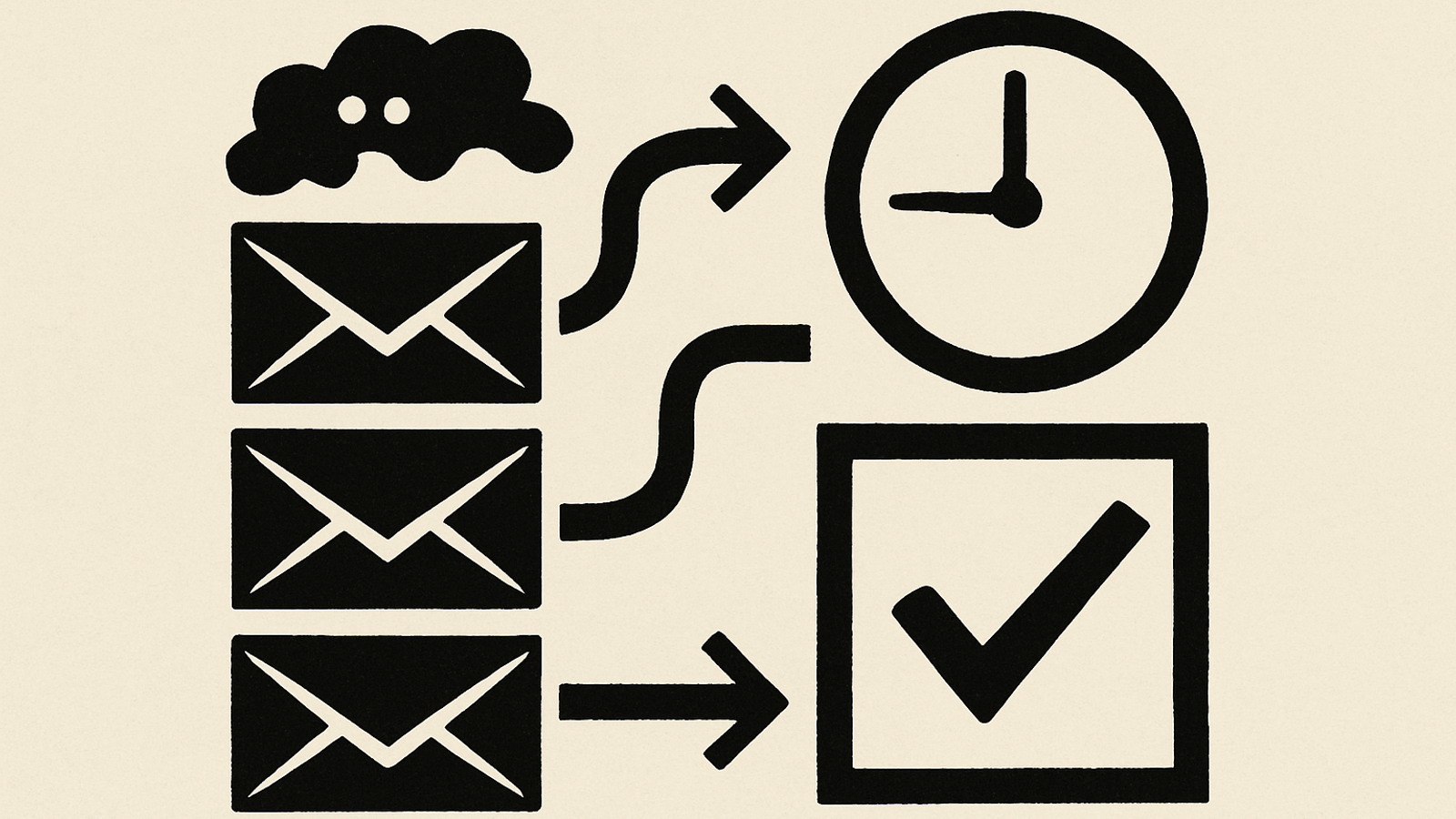
Shared inboxes like info@, enquiries@ and support@ are where good intentions go to die. Messages pile up, staff forward them around, and customers wait. In this walkthrough, we show how UK SMEs and charities can turn a busy inbox into an AI‑assisted triage lane in two weeks — without rebuilding your tech stack or risking tone‑deaf replies.
The approach is simple: start in “shadow mode”, measure what matters, then graduate to assisted sending for low‑risk categories. You’ll get faster first responses, better routing, and fewer dropped balls — with humans still approving or editing the final message where appropriate.
Where AI helps in a shared inbox
- Automatic categorisation (billing, orders, complaints, donations, safeguarding, press) and routing to the right person or queue.
- Suggested replies for common FAQs, order updates, appointment confirmations, receipts and grant criteria.
- Summaries of long email threads for managers, including key facts, dates, attachments and open actions.
- Polite acknowledgements out of hours, setting expectations on when a person will respond.
Used well, AI copilots shorten handling time and improve consistency in customer operations; industry research consistently reports material time savings and quality gains in support teams adopting AI assistance. mckinsey.com
Before you start: baseline the work
Spend one afternoon measuring the current state (last 30–90 days):
- Volumes: emails per day; peak times; weekend share.
- First response time (FRT) and time to resolution (TTR) by category.
- Re‑open rate (customer replies after “resolved”).
- Deflection candidates: top 20 recurring questions you could answer from policy pages, order data or FAQs.
Use a one‑page dashboard and keep the metrics stable over the pilot. GOV.UK’s Service Manual has practical guidance on choosing and iterating service metrics your teams will actually use. gov.uk
A quick capacity check you can do in 2 minutes
Little’s Law lets you sanity‑check whether your backlog can ever clear at current staffing: average queue size ≈ arrival rate × average time to finish. If 120 emails arrive per day and each takes 10 minutes, you need roughly 20 hours of handling capacity per day to avoid growth. If you only have 12 hours, the queue will grow. en.wikipedia.org
The 14‑day rollout (shadow mode → assisted send)
Days 1–2: Scope and safety rails
- Pick 3–5 “safe” categories (e.g., product info, order status, appointment times, receipt re‑issue).
- Define words/subjects that must never be auto‑replied (e.g., “complaint”, “refund”, “press”, “urgent”, “safeguarding”).
- Agree that no sensitive or personal data will be pasted into public AI tools; stick to non‑sensitive summaries and IDs. UK public guidance is clear on this principle. gov.uk
Days 3–4: Baseline and swimlanes
- Export 3 months of inbox data; tag 300 emails into categories; measure FRT/TTR per category.
- Write SLAs by category (for example, info 4 hours; billing 1 business day; complaints 2 business days with personalised acknowledgement).
- Draft 10–15 reply templates in your brand voice (no sending yet).
Days 5–6: Configure triage
- Set up labels/queues in your inbox or helpdesk to match categories.
- Connect the AI assistant to read the email subject/body, propose a category, extract key fields and suggest a reply. Keep human approval mandatory.
- Log every suggestion, edit and send; you’ll need the data for evaluation and audit. International security bodies recommend visibility and logging for AI use. cisa.gov
Days 7–8: Shadow mode on live traffic
- Run for two days without sending anything automatically.
- Track accuracy: category precision/recall; % of suggested replies accepted as‑is vs edited; median time saved per message.
- Capture “cannot answer” cases and update the playbook.
Days 9–11: Assisted send for low‑risk items
- Enable assisted send for the safe categories only, with a human checking tone and facts.
- Keep anything sensitive, financial, or press‑related as “draft only”.
- Ensure out‑of‑hours acknowledgements set clear expectations, not false promises.
Days 12–13: Coach the team
- Run a 60‑minute “how we triage” session. Show examples of great edits and risky ones.
- Agree escalation rules and a simple “do not send” checklist (see below).
- Nominate an owner for weekly metric reviews.
Day 14: Go/no‑go gate
- Proceed if: FRT improved ≥25% in safe categories; zero privacy incidents; and staff report net time saved of ≥20 minutes per person per day.
- If not, revert to shadow mode for another week, fix failure modes, and retry.
For organisations wanting an even gentler start, see our Shadow Mode First walkthrough.
What to measure (and how to read the numbers)
| Metric | Target by Day 14 | How to interpret |
|---|---|---|
| First response time (FRT) | −25% vs baseline in safe categories | Faster acknowledgements lift satisfaction and trust when followed by meaningful updates. Benchmarks show rising expectations for near‑instant service. cxtrends.zendesk.com |
| Time to resolution (TTR) | −15% vs baseline | Drafts and better routing shave handling time; make sure you’re not just replying faster but resolving faster too. mckinsey.com |
| Agent time saved | ≥20 minutes per person per day | Count “suggested reply accepted” and “summary used” events; time saved compounds across the week. |
| Category accuracy | ≥85% precision on safe categories | Mis‑routing creates rework; use feedback to improve labelling. |
| Out‑of‑hours coverage | 100% safe acknowledgements, zero false promises | Set expectations clearly; never imply action when the team is offline. |
Quick queue maths for operations managers
If 200 emails arrive on Mondays and your average handling time is 6 minutes each, that’s 1,200 minutes (20 hours) of work. With two people for 7 hours each (14 hours capacity), you will finish late Tuesday. Either add capacity, reduce handling time with templates/automation, or pre‑empt queries with proactive comms. Little’s Law gives the intuition behind these trade‑offs. en.wikipedia.org
Decision tree: draft‑only or assisted send?
- Does the email include personal data, money, legal or safeguarding? Draft‑only. Human reviews facts and tone.
- Is the answer policy‑based and stable for 90+ days? Candidate for assisted send.
- Is any system lookup required? Only if your integration can fetch authoritative data safely; otherwise draft‑only.
- Is the sender angry or distressed? Draft‑only with a human empathic rewrite.
For UX patterns that help users trust and understand AI‑assisted responses, see Ship AI that Behaves and Button, not Bot.
Safeguards that keep you out of trouble
- Data hygiene: do not paste sensitive or personal data into public AI tools; prefer redacted summaries or enterprise‑approved services. gov.uk
- Auditability: log prompts, suggestions, edits and sends. This is recommended by cyber authorities when using AI systems. cisa.gov
- Phishing resilience: train your assistant to flag suspicious emails; UK authorities warn AI is making phishing harder to spot, so treat anything unusual with caution. theguardian.com
- Shadow AI policy: give staff an approved tool and clear guidance to avoid unsanctioned use. npsa.gov.uk
If you plan to answer from a knowledge base or policy library, our RAG‑ready in 30 days post explains how to make documents reliably retrievable.
Costs and benefits you can forecast on one page
| Line item | Low | Typical | Notes |
|---|---|---|---|
| Assistant licence(s) or API usage | £50/m | £150–£400/m | Depends on volume and whether you use an off‑the‑shelf helpdesk add‑on or an API plan. |
| Setup (one‑off) | £0 | £1,500–£4,000 | Internal time vs external help to configure categories, templates, evaluation and training. |
| Ongoing tuning | 2 hours/m | 4–8 hours/m | Template updates, new categories, weekly metric review. |
| Expected value | 10–15 staff hours saved/m | 30–60 hours saved/m | Driven by faster FRT/TTR and fewer hand‑offs; aligns with reported productivity uplifts from AI copilots in support. mckinsey.com |
Vendor questions that surface risk early
- Where is data processed and stored? Can you keep prompts/outputs within UK or EEA by default?
- Do you use customer prompts/outputs for training? Is there an opt‑out at no extra cost?
- How do we restrict sending on high‑risk keywords (complaint, refund, legal, safeguarding)?
- What logs are available (prompt, suggestion, editor, final send) and how long are they retained?
- What’s your failure mode when the model is uncertain? Can it abstain cleanly?
- Can we enforce human approval per category?
- How do you detect and block phishing or malware in attachments?
- What rate limits or quotas protect us from runaway costs?
- Can we import our templates and style guide and keep them private?
- Which independent guidance informs your security controls (for example, the NCSC/CISA secure use guidance)? cisa.gov
A realistic “good” outcome by Day 14
- FRT down 25–40% on safe categories, especially out of hours, with no dip in CSAT.
- TTR down 10–20% because routing and drafts reduce back‑and‑forth. mckinsey.com
- Staff time freed for complex cases, refunds and vulnerable customers.
- Clear audit trail of where AI helped and where humans took over.
Consumers now expect quicker responses across channels; senior CX leaders report strong ROI from AI copilots when paired with clear guardrails and human oversight. zendesk.co.uk
Common pitfalls (and fixes)
- Too many categories. Start with five; add more once accuracy stays ≥85% for a week.
- Template drift. Review weekly; retire any answer that triggered multiple follow‑ups.
- Silent weekends. Enable acknowledgement plus a Monday morning follow‑up batch; expectations matter for satisfaction. zendesk.com
- Shadow tools. Give an approved assistant so staff aren’t copying emails into random sites. npsa.gov.uk
Next steps
If this sounds useful but you’d like a hand setting the categories, acceptance criteria and the go/no‑go gate, we run a two‑week “Inbox Triage Sprint” that leaves you with baselines, templates and a working assistant — or we recommend you don’t proceed.